HD Video Player Pro3.3.10
Publisher Description
HD Video Player is an intelligent and convenient video player that makes you feel like enjoying an unprecedented audio-visual experience!
KEY FEATURES:
●
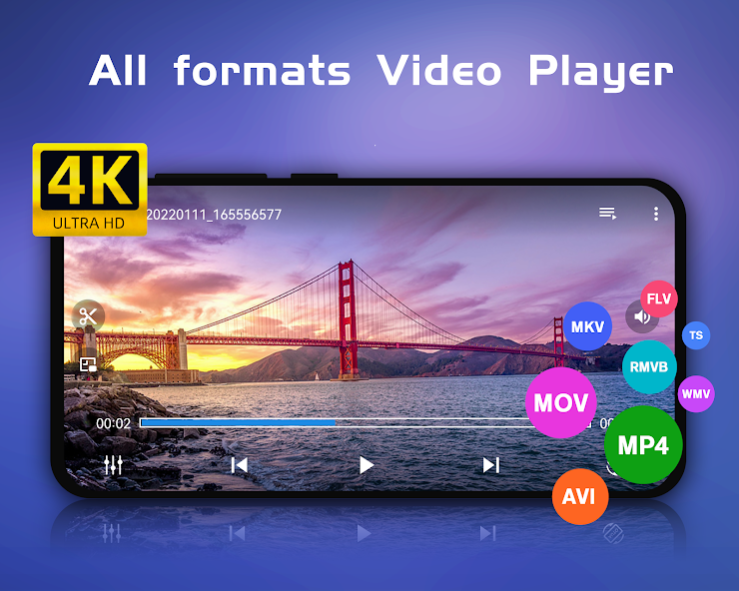
4K/Ultra HD video playback
● Support ALL popular video formats:
AVI, MP4, WMV, RMVB, MKV, 3GP, M4V, MOV, TS, MPG, FLV
● Built-in
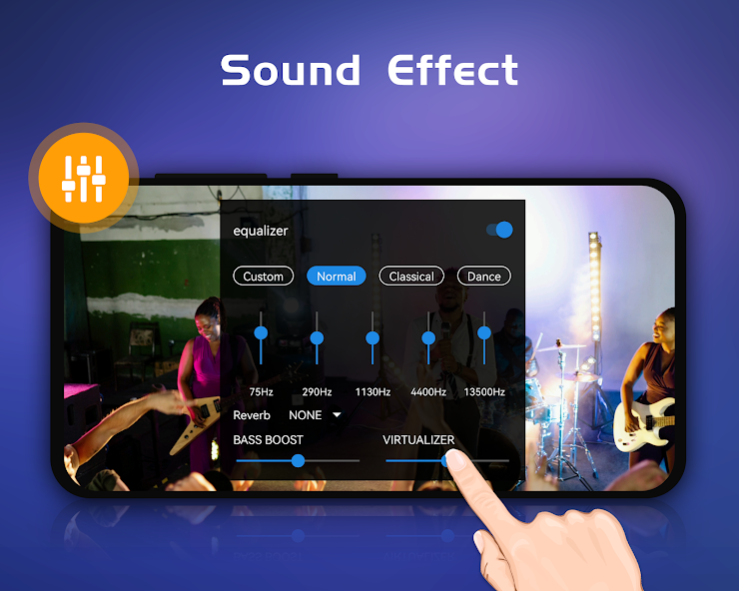
equalizer & bass booster
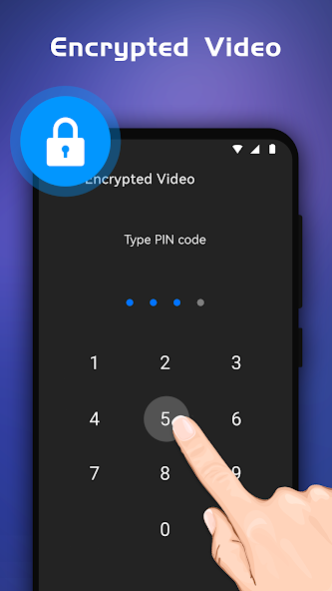
● Keep your private videos safe
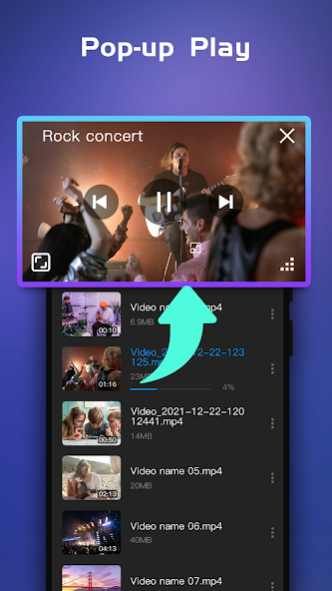
● Play videos in pop-up window
● Play stream videos
● Minimalistic interface design
High-Quality Video Player
We ensure that your file is played in the original resolution, through the optimization of the encoding format file playback speed and effectiveness to achieve the best results.
Enjoy High-Quality Videos Plays Smoothly
HD Video Player uses the device's default decoder for decoding, thus ensuring the speed and effectiveness of the video for you to enjoy smoother better quality videos.
Outstanding Sound Effects
HD Video Player with the equalizer, bass booster, and stereo surround sound effect, make you feel like being in the cinema.
Easy And Convenient Control
Sliding the video screen to control the volume, screen brightness and playing progress.
Other Features:
1 List or Grid all videos
2 Video Folders
3 Five bands equalizer and presets
4 Bass and treble adjustment
5 Video streaming support
6 Lock the playing page to prevent misuse when the video is playing
7 Quick start and smooth and easy playback with video resume
It is really easy and convenient for you to play your videos without troublesome conversion. Please download and enjoy the smooth playback of the
HD Video Player
experience!
About HD Video Player Pro
The company that develops HD Video Player Pro is GentleMan Dev Studio. The latest version released by its developer is 3.3.10. This app was rated by 2 users of our site and has an average rating of 4.5.
To install HD Video Player Pro on your Android device, just click the green Continue To App button above to start the installation process. The app is listed on our website since 2023-06-30 and was downloaded 98 times. We have already checked if the download link is safe, however for your own protection we recommend that you scan the downloaded app with your antivirus. Your antivirus may detect the HD Video Player Pro as malware as malware if the download link to com.nimblesoft.equalizervideo.pay is broken.
How to install HD Video Player Pro on your Android device:
- Click on the Continue To App button on our website. This will redirect you to Google Play.
- Once the HD Video Player Pro is shown in the Google Play listing of your Android device, you can start its download and installation. Tap on the Install button located below the search bar and to the right of the app icon.
- A pop-up window with the permissions required by HD Video Player Pro will be shown. Click on Accept to continue the process.
- HD Video Player Pro will be downloaded onto your device, displaying a progress. Once the download completes, the installation will start and you'll get a notification after the installation is finished.
Program Details
System requirements
Download information
Pricing
Version History
version 3.3.10
posted on 2023-06-30
* Fixed bugs
version 3.3.8
posted on 2023-06-13
* Adapt to Android 13 system
* Improved performance
* Fixed bugs
version 3.3.6
posted on 2023-04-10
* Improved performance
* Fixed bugs
version 3.2.6
posted on 2022-03-24
1. The bug that the playback interface will be black
2. Fix bugs reported by users
version 3.2.0
posted on 2021-03-25
1. Fix the occasional crash of some mobile phones when scanning video files
2. Fix the crash when adjusting the playback speed
3. Fix the crash when switching audio tracks
version 3.1.9
posted on 2020-12-02
* Add in-app update
* Fix bugs reported by users
version 3.1.5
posted on 2020-02-19
* Language localization
* Fixed bugs
version 3.1.2
posted on 2019-10-12
* Optimized the apk size
* Fixed user feedback bugs
version 3.0.9
posted on 2019-06-18
version 2.1.1
posted on 2016-09-12
* Auto to play next,* Add Turkish language,* Fixed bugs
